Opening files
The Welcome window
The Viewer opens with the Welcome window. Drop a file on it, click it to browse, choose Open…, pick a Recent file or try one of the Samples. The drop area lists every file type the Viewer reads.
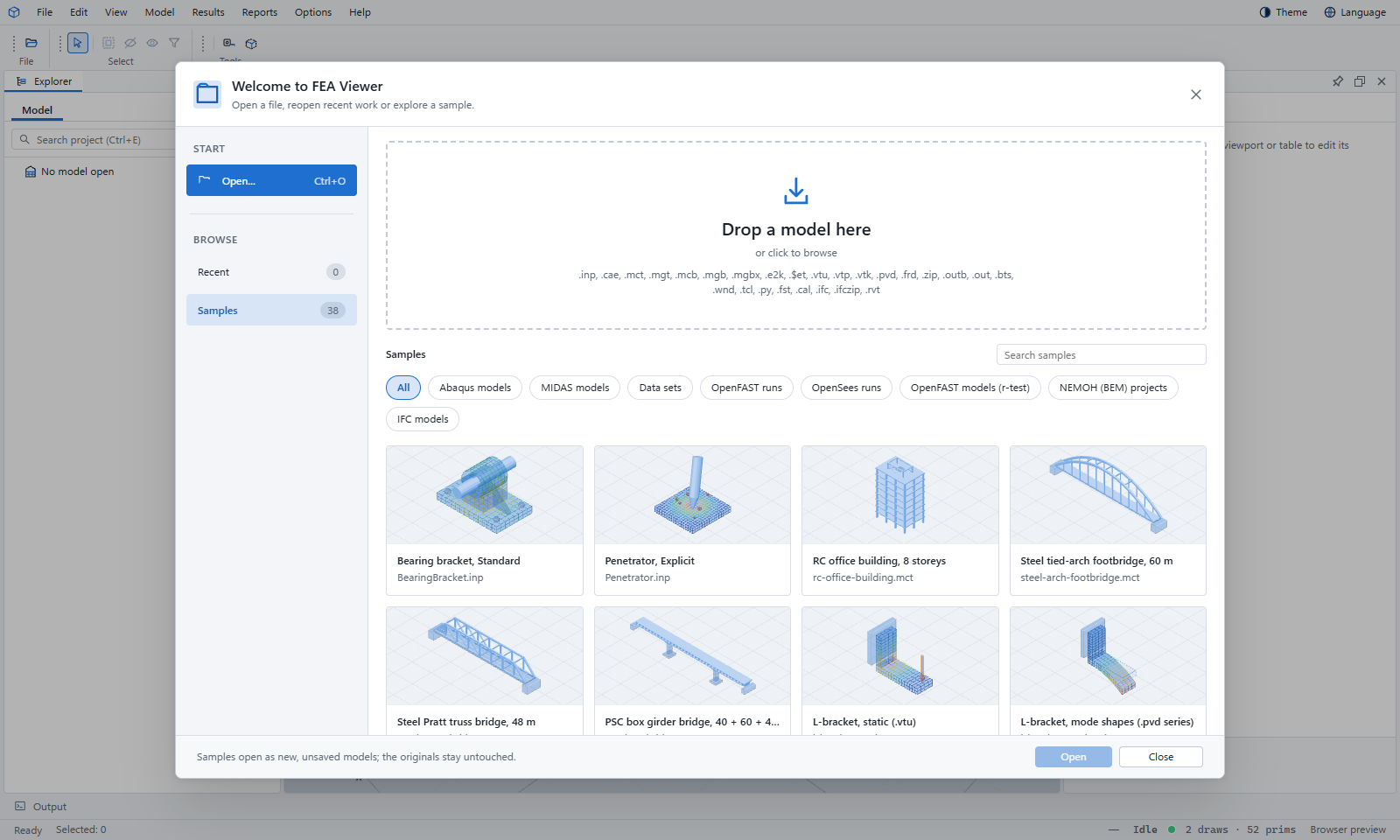
Ways to open
- File › Open… (Ctrl+O) — one dialog for every file type.
- Drag and drop a file onto the window.
- File › Recent — the files you opened lately.
- File › Samples — the samples, by program.
Only one model is open at a time: opening a model closes the one before it. Opening a results file adds it to the model that is open. File › Close all closes everything.
Several files, a folder or a .zip
Select several files at once, drop a folder, or open a .zip: the Viewer opens the model first and then attaches its results. If a .zip holds models from two programs, it asks which one to open.
Adding results to an open model
- MIDAS: Model › Import result tables… — exported tables (.xlsx, .xls, .txt, .csv), result files (.nfxp, .GAX1) or design check reports (.acs, .rcs). Reports › Open analysis log… reads the .out log.
- Abaqus: Model › Open Abaqus results… — an .odb or a .fea-results.json. Reports › Open job messages… reads the .msg, .sta and .dat files.
In the desktop app, results saved next to the model with the same name are found and opened for you.
Where files are read
In the web Viewer, most files are read inside your browser and never leave your computer. MIDAS, ETABS and Revit files are sent to our server to be read and are discarded straight after. The desktop app reads every file on your computer. See File formats for the full list and the privacy notice.
If a file won't open
- Look at the Diagnostics tab and the Output panel: they say what the reader could not understand.
- Check the extension is one on the formats page; the Viewer chooses the reader by the extension.
- Password-protected Excel files can't be read: save the table again without a password.
- Very large files may need the desktop app.