Learn by opening a sample
Every tutorial uses a sample from the Viewer's Start window, so you can follow along in another tab before you open your own files. Start with the first one; the others can be read in any order.
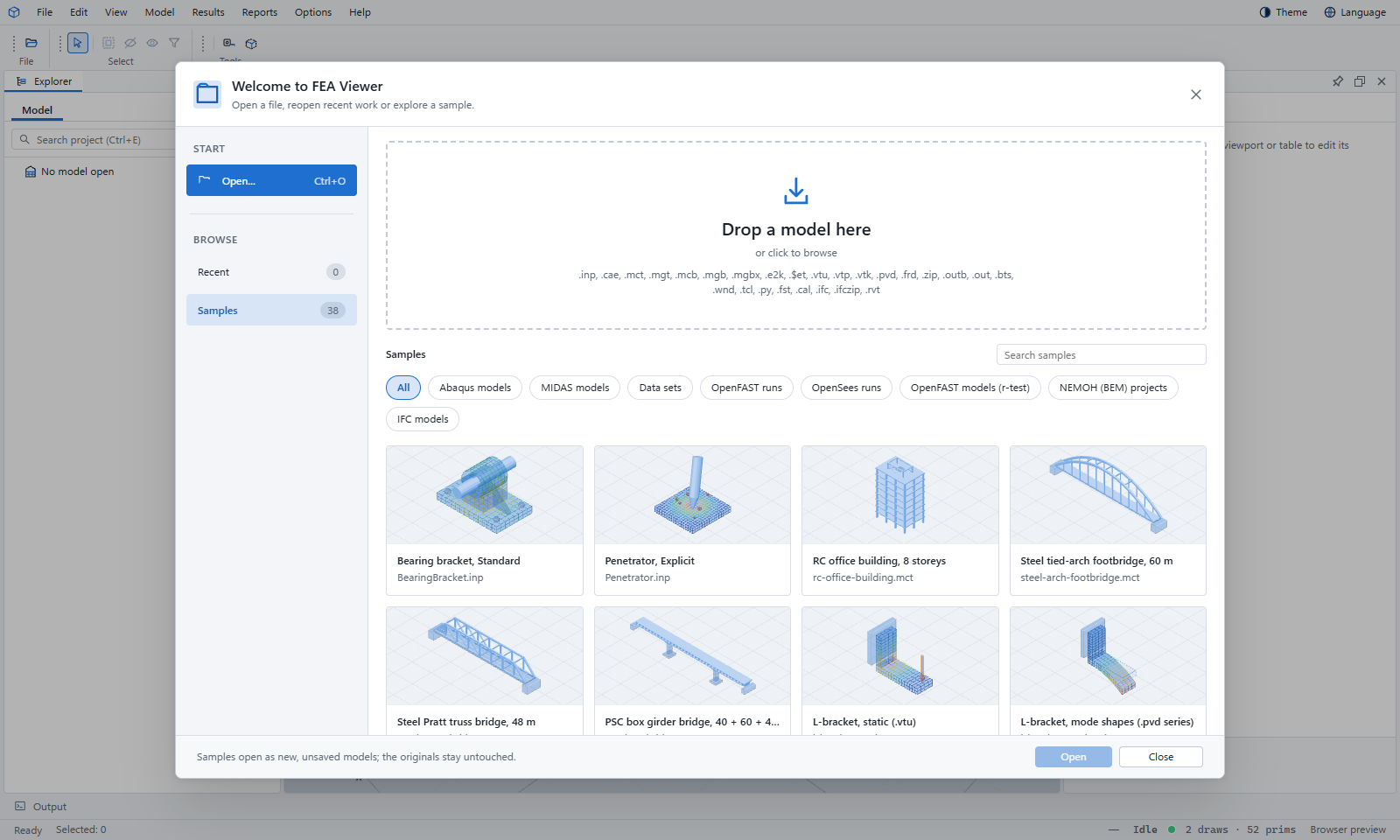
Your first model
Open a sample, find your way around the window, turn the model and read your first result.
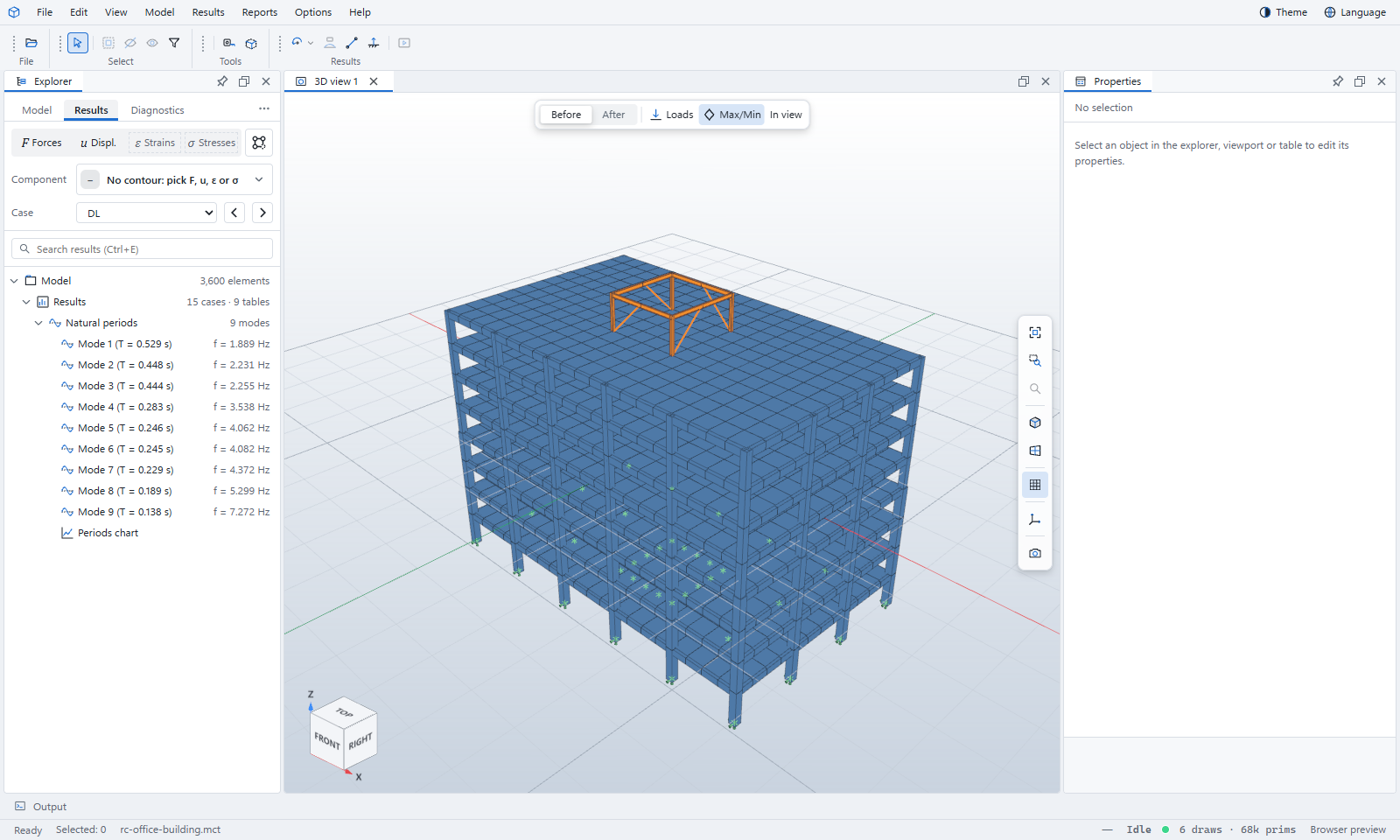
MIDAS and ETABS models
The Works tree, result tables, modes, member forces, model checks and the analysis log.
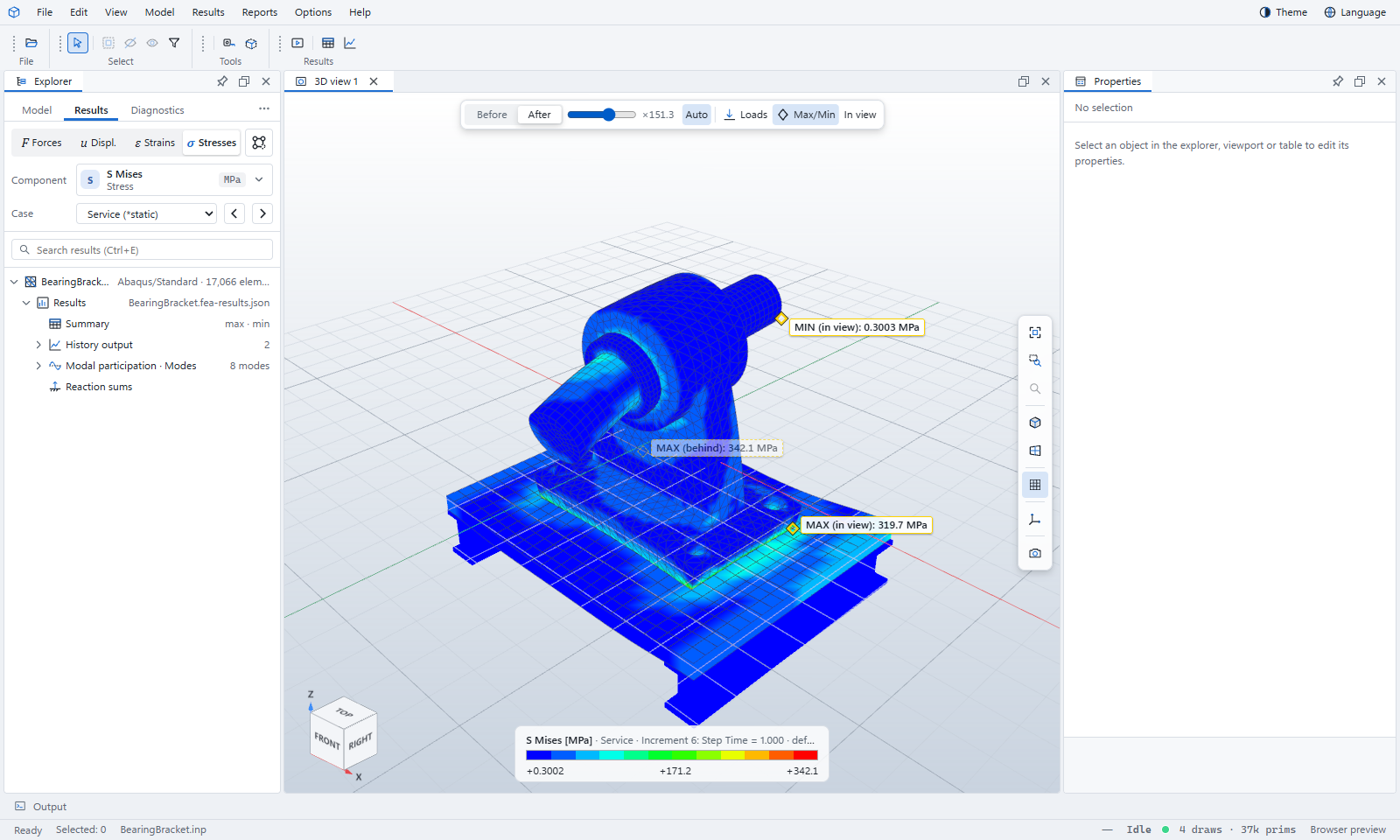
Abaqus jobs
Decks, CAE and output databases: fields, steps and frames, animations, tables and job messages.
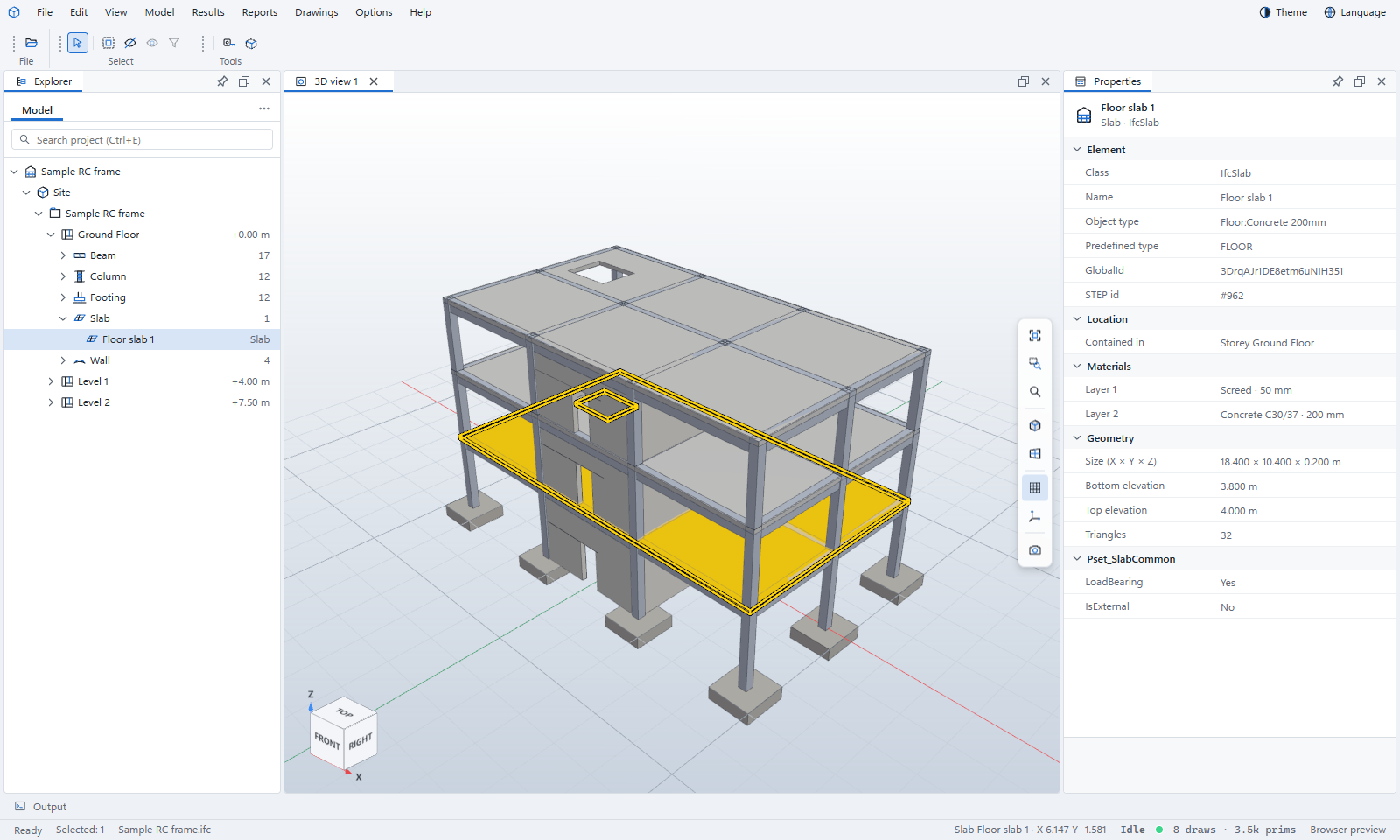
IFC and Revit models
Storeys and classes, element properties, colour by, plan views, clipping and measuring.
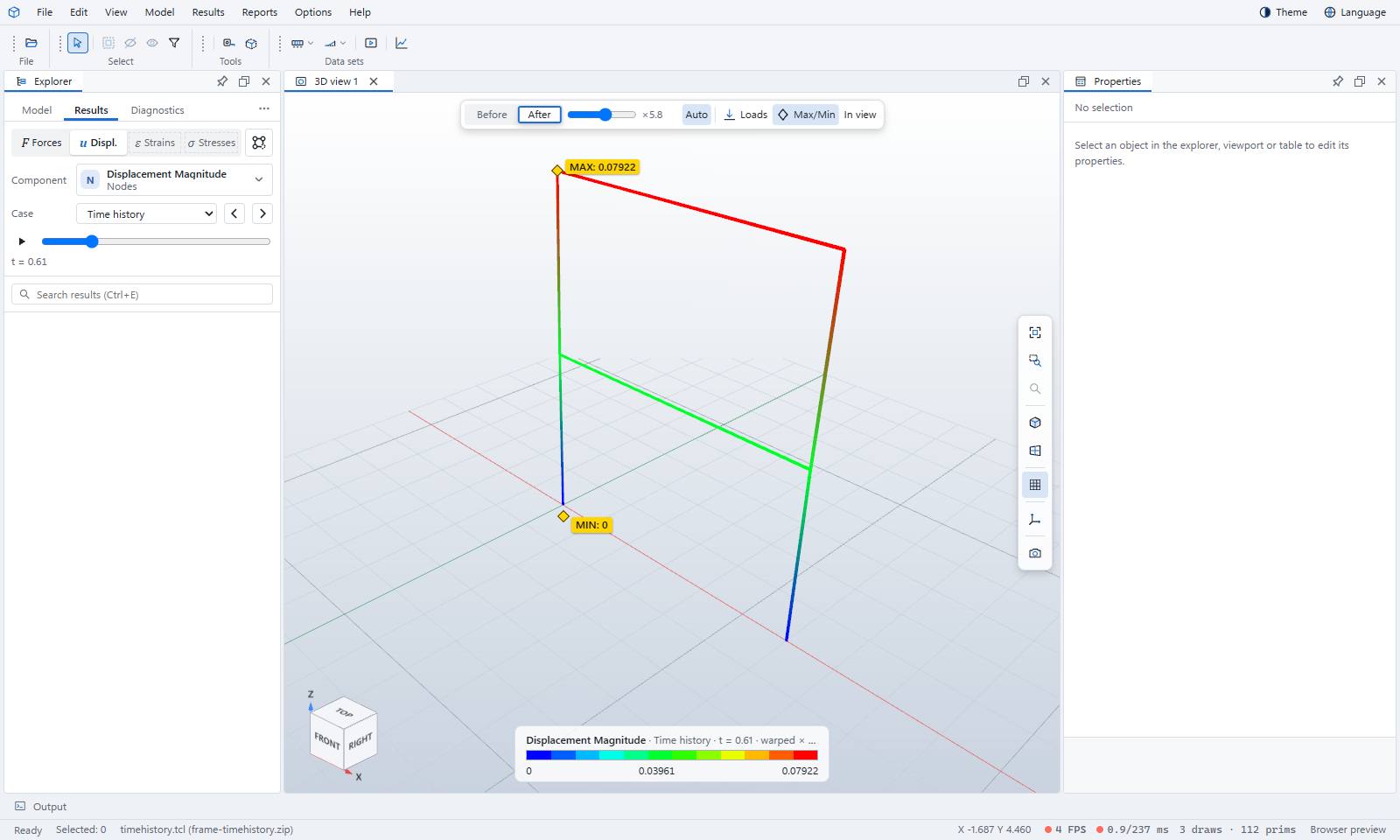
OpenSees, OpenFAST and VTK
Time histories and member forces, turbine channels, and results from any solver that writes VTK.
Looking for one command or setting rather than a walkthrough? The manual describes every part of the window, and Keyboard shortcuts lists every key.