IFC and Revit models
IFC is the open exchange format of building information models; every BIM program can write it. The Viewer also opens Revit models (.rvt) directly, without Revit.
1. Open the model
Open Sample RC frame (IFC4) from the Welcome window: a two-storey concrete frame with footings, walls and slabs. Your own files open the same way: .ifc, .ifczip or .rvt.
2. Storeys and classes
The Explorer's Model tab shows the project the way IFC organises it: the site, the building, each storey with its elevation, and under each storey its elements by class — beams, columns, footings, slabs, walls.
- Open Ground Floor › Slab and click Floor slab 1. It is highlighted in the 3D view.
- Properties lists what the file says about it: its IFC class, name, type, GlobalId, the storey that contains it, its material layers, size and elevations, and its property sets.
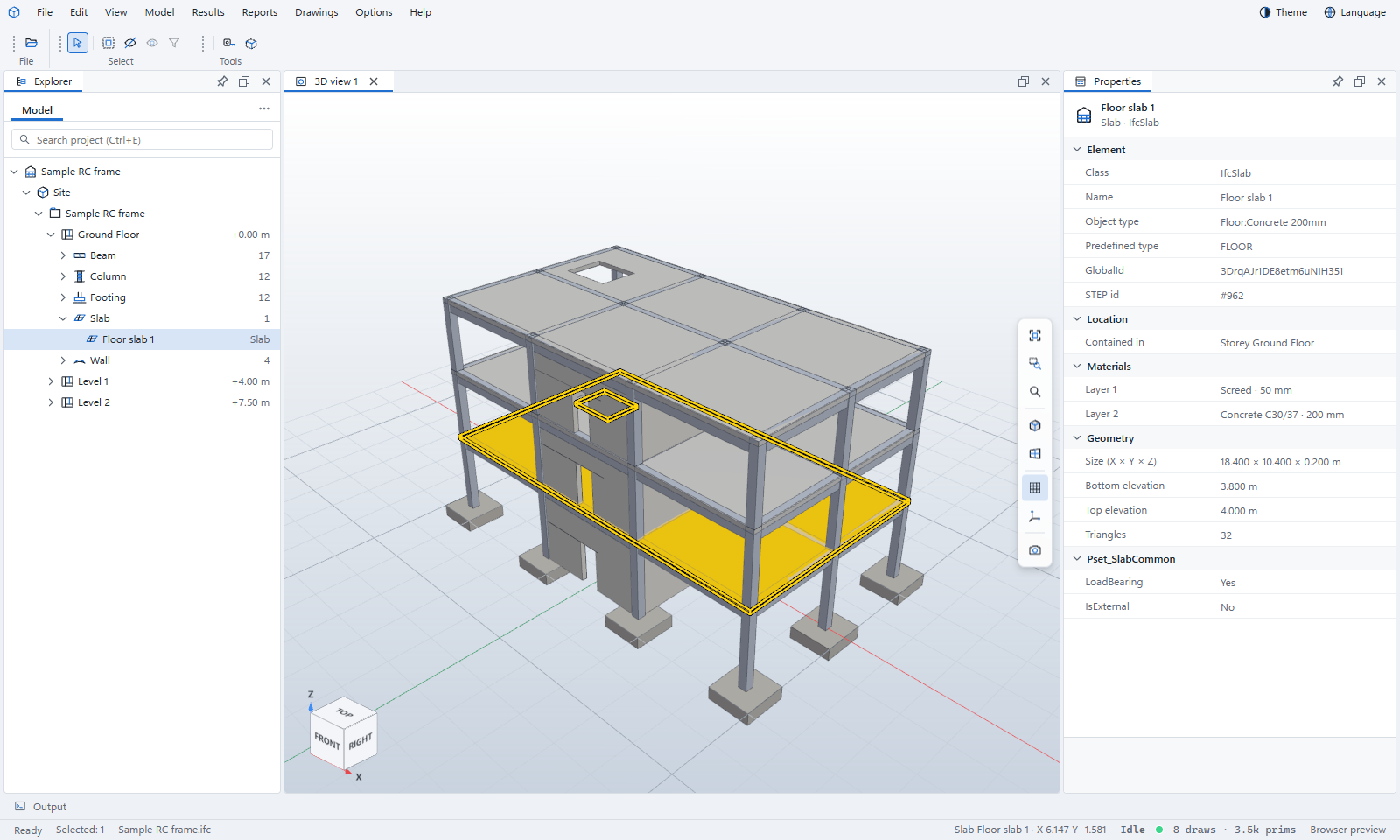
You can also click elements in the 3D view, or type part of a name in the search box above the tree.
3. Colour by
Options › Colour by colours every element by its class, storey, material, type or any property, with a key in the 3D view. It is the quickest way to see, for example, which walls are load-bearing or which elements have no material.
4. Look at one storey
- View › Choose a level picks a storey and looks straight down on it, cut 1.2 m above the floor, like a plan. View › Leave returns to the full model.
- View › Isolate shows only what you selected; Hide hides it; Show all brings everything back.
5. Cut into the model
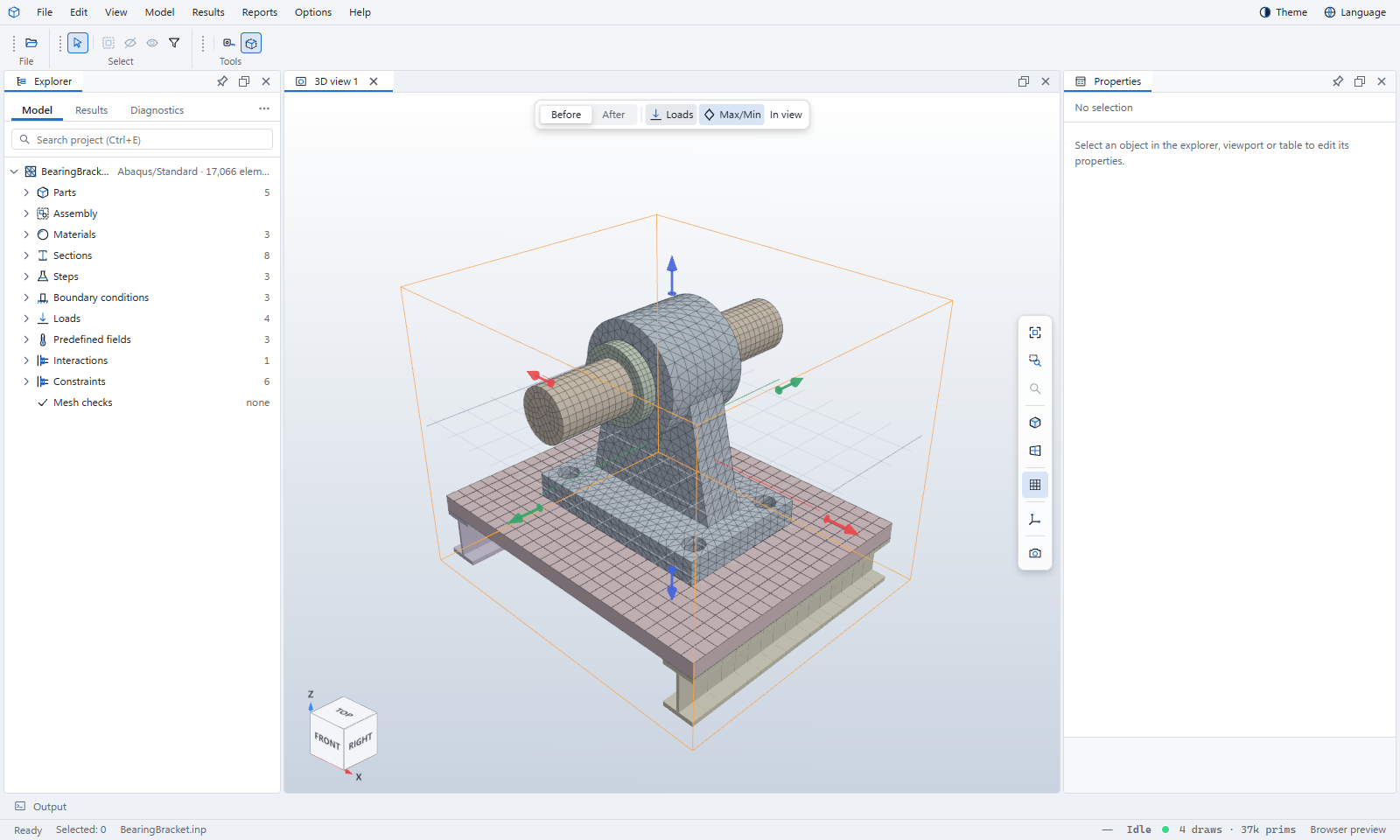
- Choose View › Clipping box. A box appears around the model with an arrow on each face.
- Drag an arrow to push that face in. Everything outside the box is cut away, and the cut faces are capped.
- View › Clipping arrows hides the arrows but keeps the cut; Reset clipping box starts again.
6. Measure
Press T (or View › Tape measure). Click two points; the Viewer snaps to corners, edges and faces as you move, and shows the distance as you measure. Tap Ctrl to leave a guide line behind; View › Delete guides clears them.
Revit models
A Revit model opens as its IFC equivalent — the same storeys, classes and GlobalIds Revit's own IFC export would give — so everything above applies. In the web Viewer, .rvt files are read on our server and discarded straight after; the desktop app reads them on your computer.